iPhone Application
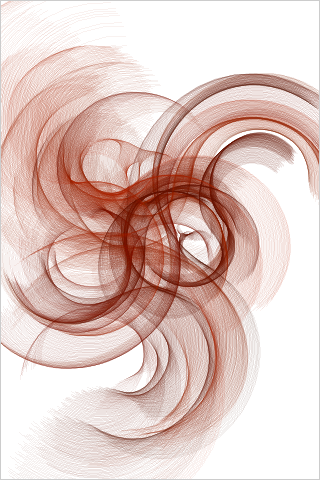
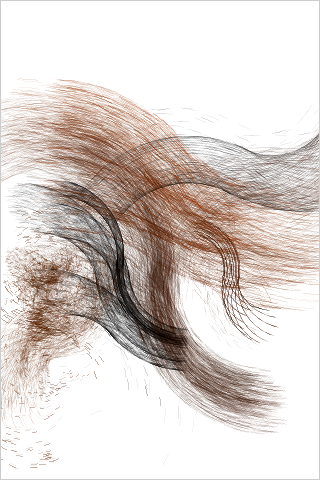
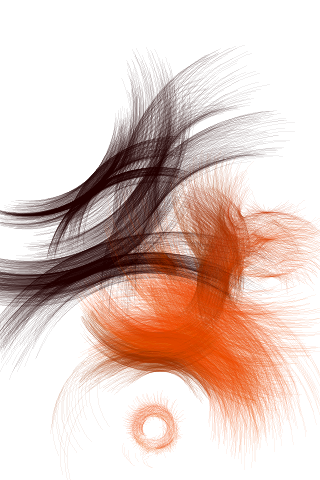
Download:

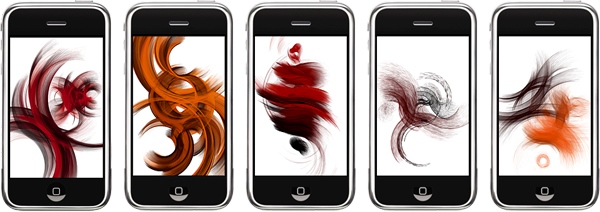
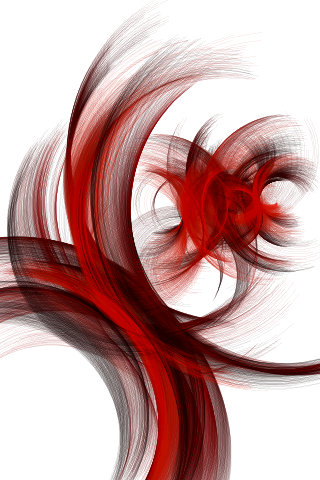
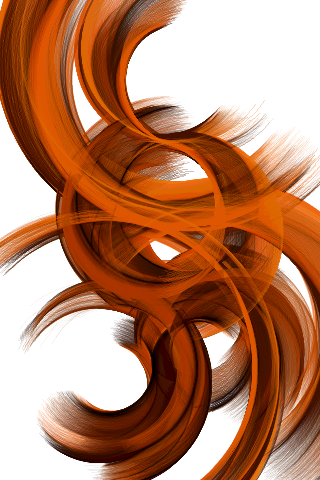
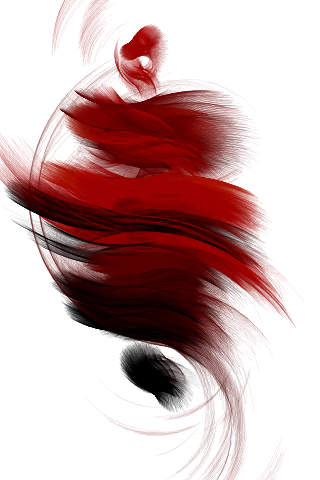
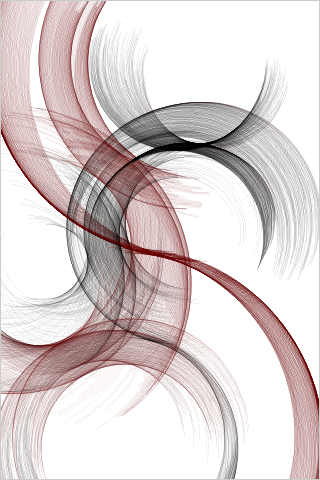
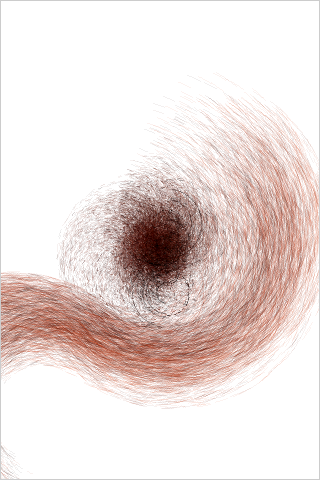
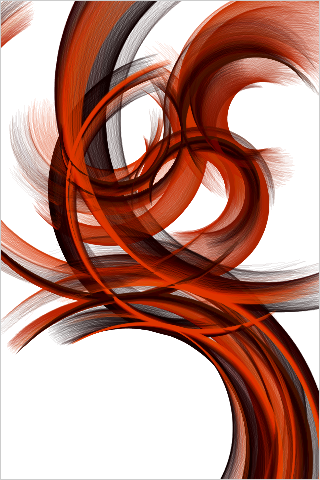
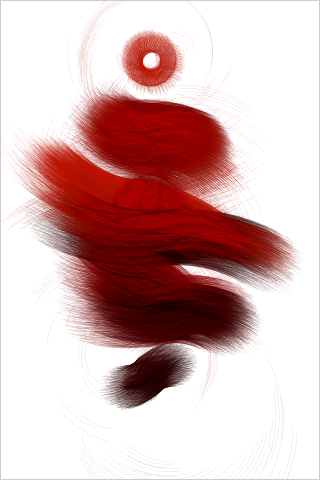
Arcs 21 is about the generation of spaces.
Create your own personal art work by experimenting in a playful way.
Arcs 21 originates from an online Software Art project by Austrian artist Lia – one of the early pioneers of Software and Net Art. The original work deals with mappings between color space and architectural space. The viewer is drawn into a world that is constructed around them, with which they can interact in a playful way. Interaction alters the behavior of the elements which construct the image, allowing for an infinite range of possible results.
From December 2009 until April 2010 the original Arcs 21 can be viewed in the Victoria & Albert Museum as a (non interactive) work, in the scope of the exhibition “Decode: Digital Design Sensations“.
Now with the iPhone version of Arcs 21, you can carry around this art creation tool in your pocket and use it wherever art is needed.
Various controllable parameters allow you to influence the creative process, sculpting the development of the artwork on your screen. An element of random influence means that no generated image will be the same as any other.
Additionally to the original artwork you are presented with a multitouch feature.
If you like one particular creation, you can save it as a Photo by accessing the Menu, and it can decorate your iPhone with a totally unique, personal image.
Software Art Applications for the iPhone:
www.iphoneart.org >>>